

Gaming Experience
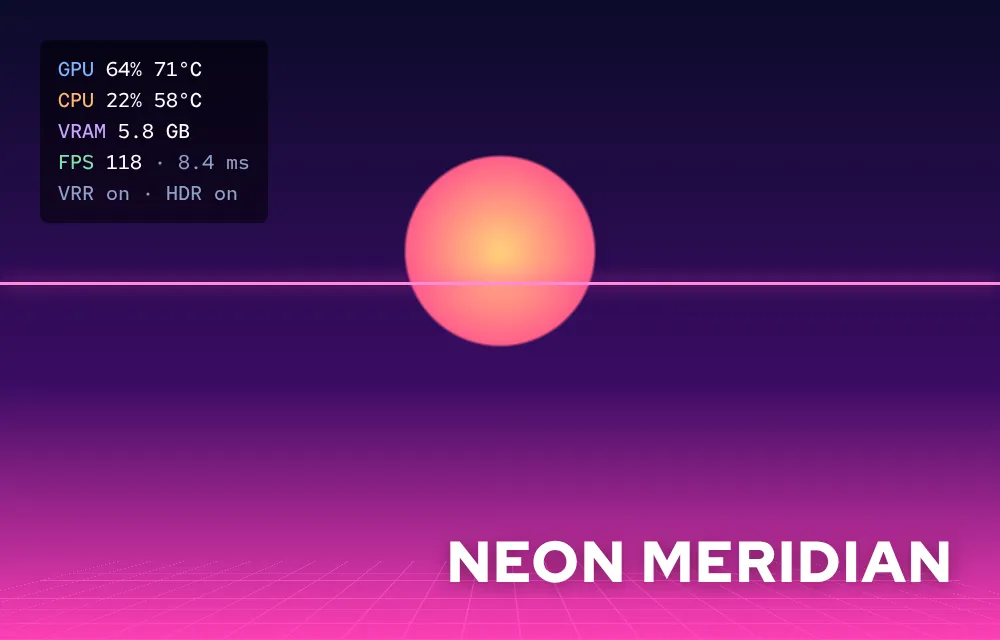
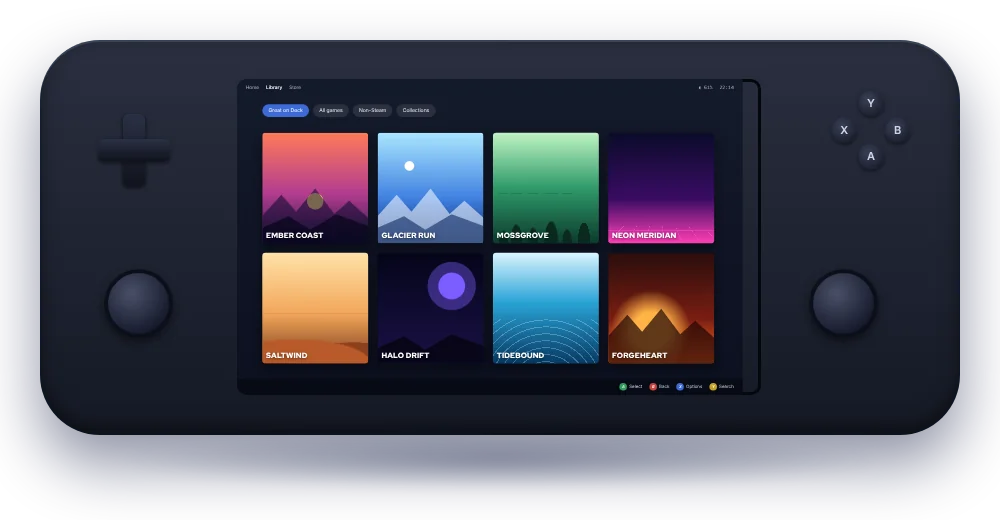
Steam with Proton, Game Mode on supported hardware, gamescope for frame pacing, and a performance overlay you can toggle without installing anything extra.
Experience gaming and everyday computing through Bazzite, a powerful Linux-based operating system designed for modern PCs and handheld gaming devices. Enjoy a refined desktop environment, seamless access to your favorite gaming platforms, and the freedom of an open-source ecosystem built around performance, flexibility, and control.
KDE desktop ISO · AMD / Intel PCs. Choose another device or GPU
 HDR & VRRon supported displays
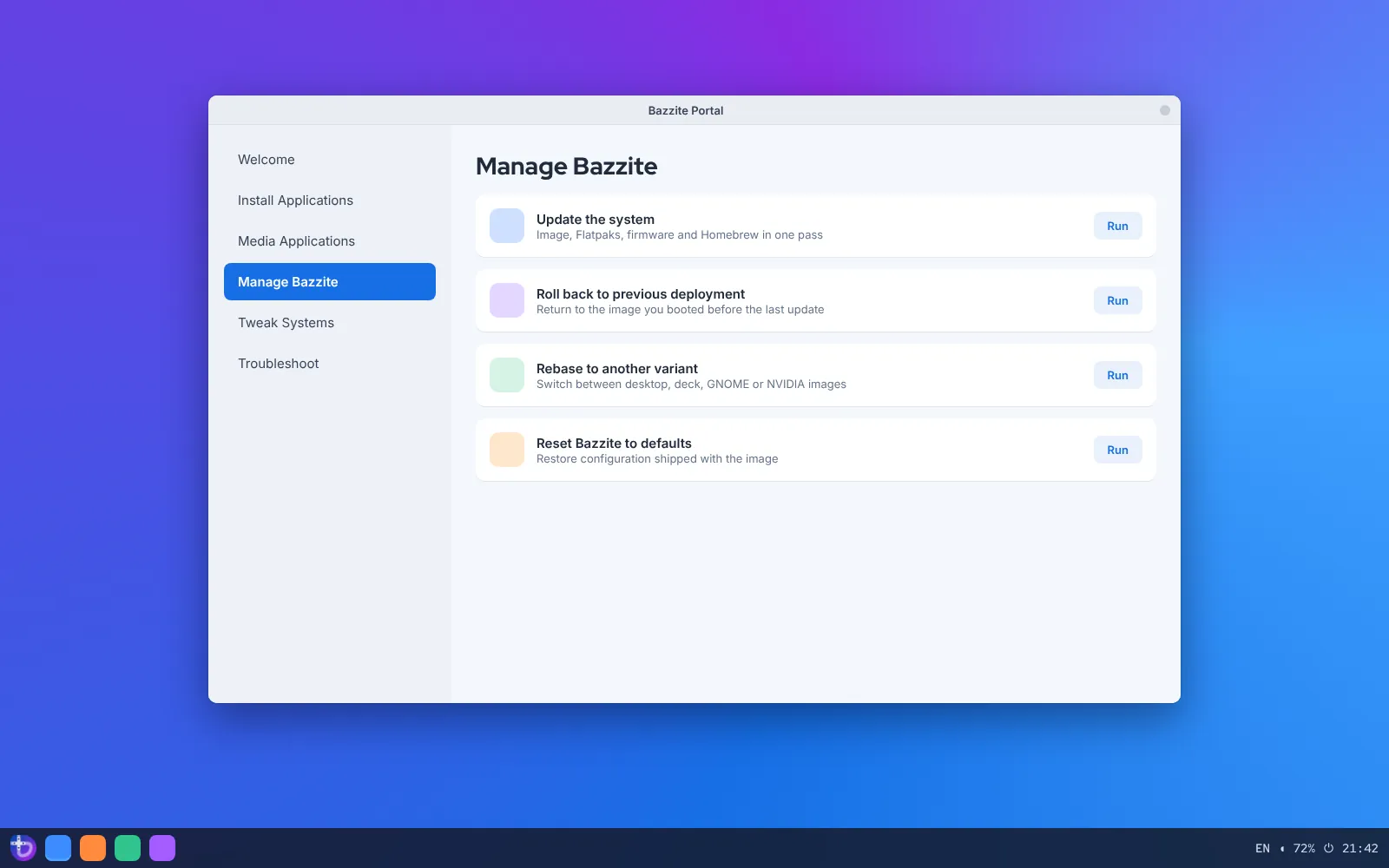
 Atomic updatesprevious image kept
Bazzite is a Linux distribution assembled from Fedora Atomic and the Universal Blue toolchain, then tuned for games. Instead of installing a desktop and spending a weekend adding drivers, codecs and launchers, you install one image where those pieces already work together, and the same machine can switch between gaming, everyday work and development without reinstalling anything.
Steam with Proton, Game Mode on supported hardware, gamescope for frame pacing, and a performance overlay you can toggle without installing anything extra.
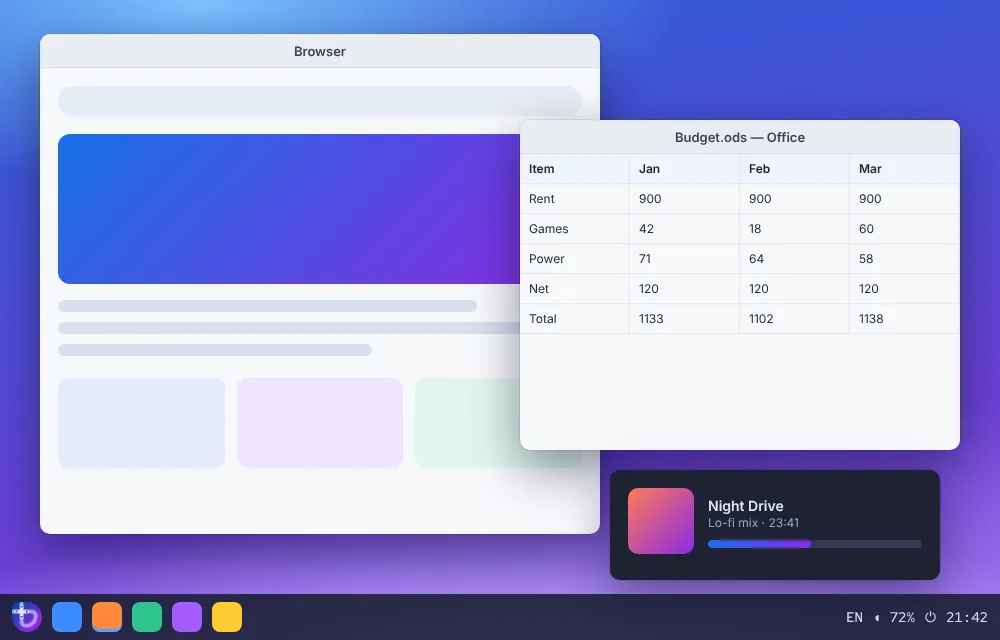

Browsing, documents, streaming and video calls run as sandboxed Flatpak apps, so your daily tools update on their own schedule and never disturb the base system.
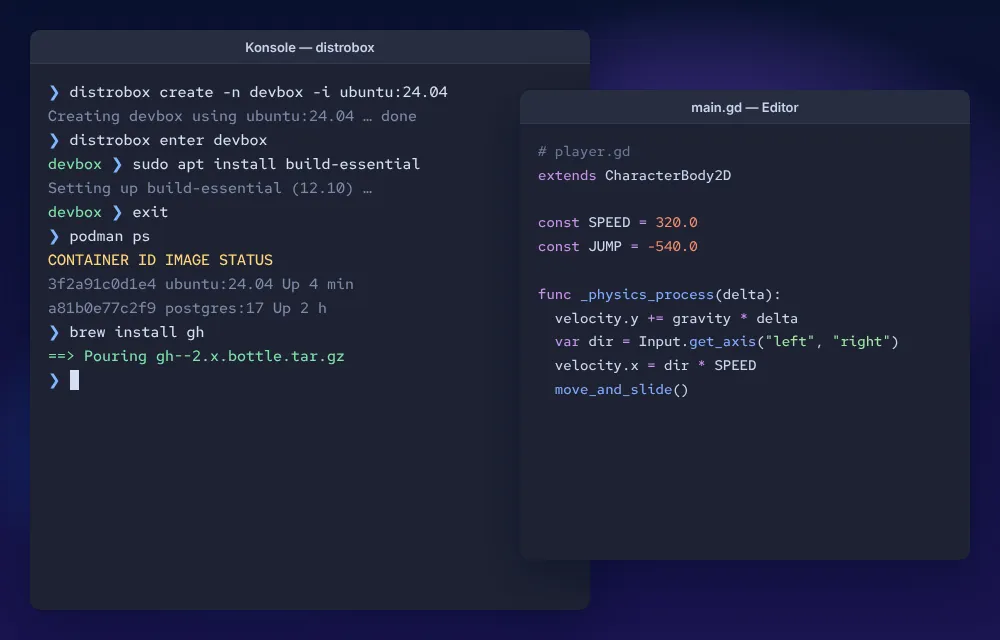

Distrobox and Podman give you mutable Ubuntu, Arch or Fedora containers for toolchains, while Homebrew handles command-line utilities. Bazzite DX goes further for full-time developers.
Bazzite publishes separate images for desktops and for handheld or living-room machines, each with AMD/Intel and NVIDIA flavours. Pick a hardware class to see what Bazzite does on it and what to check first.
Tip: use the arrow keys like a D-pad.
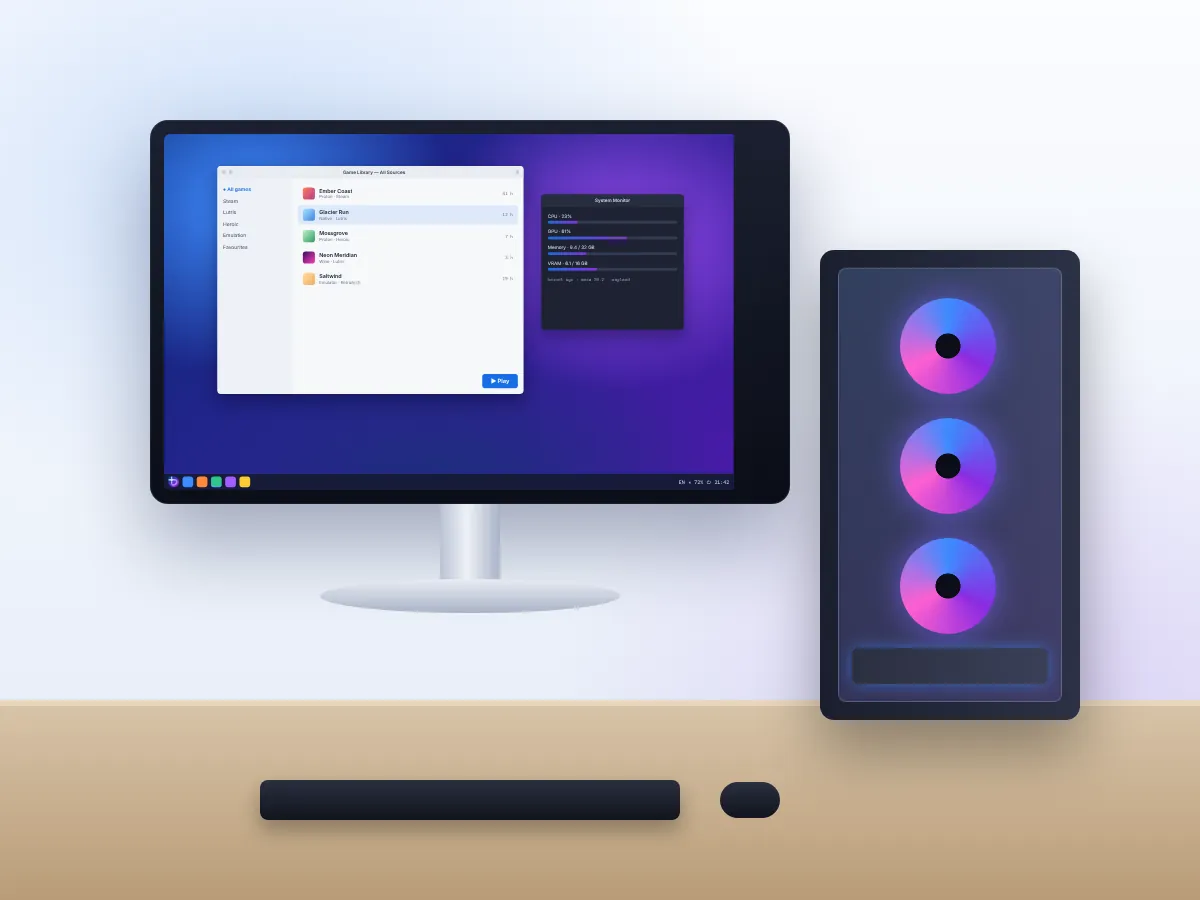
The desktop images boot to KDE Plasma or GNOME with Steam one click away. Radeon and Intel Arc cards use the open Mesa stack that ships in every build; GeForce owners pick an NVIDIA image so the driver is part of the system rather than bolted on later.
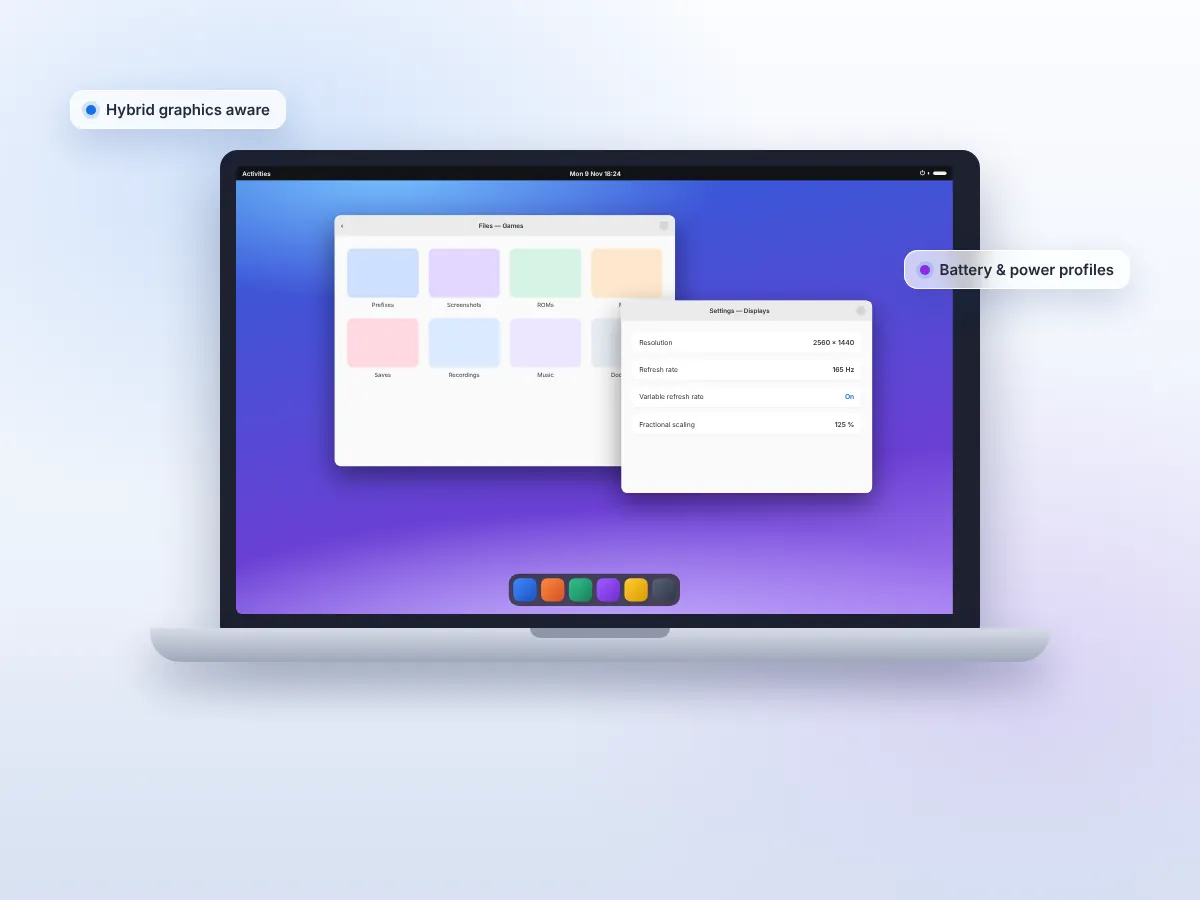
Laptops use the same desktop images. Machines with only AMD or Intel graphics take the standard build; hybrid laptops with an NVIDIA GPU take an NVIDIA build so both chips are handled. Vendor extras such as ASUS keyboard lighting and fan profiles depend on Linux support for that model.
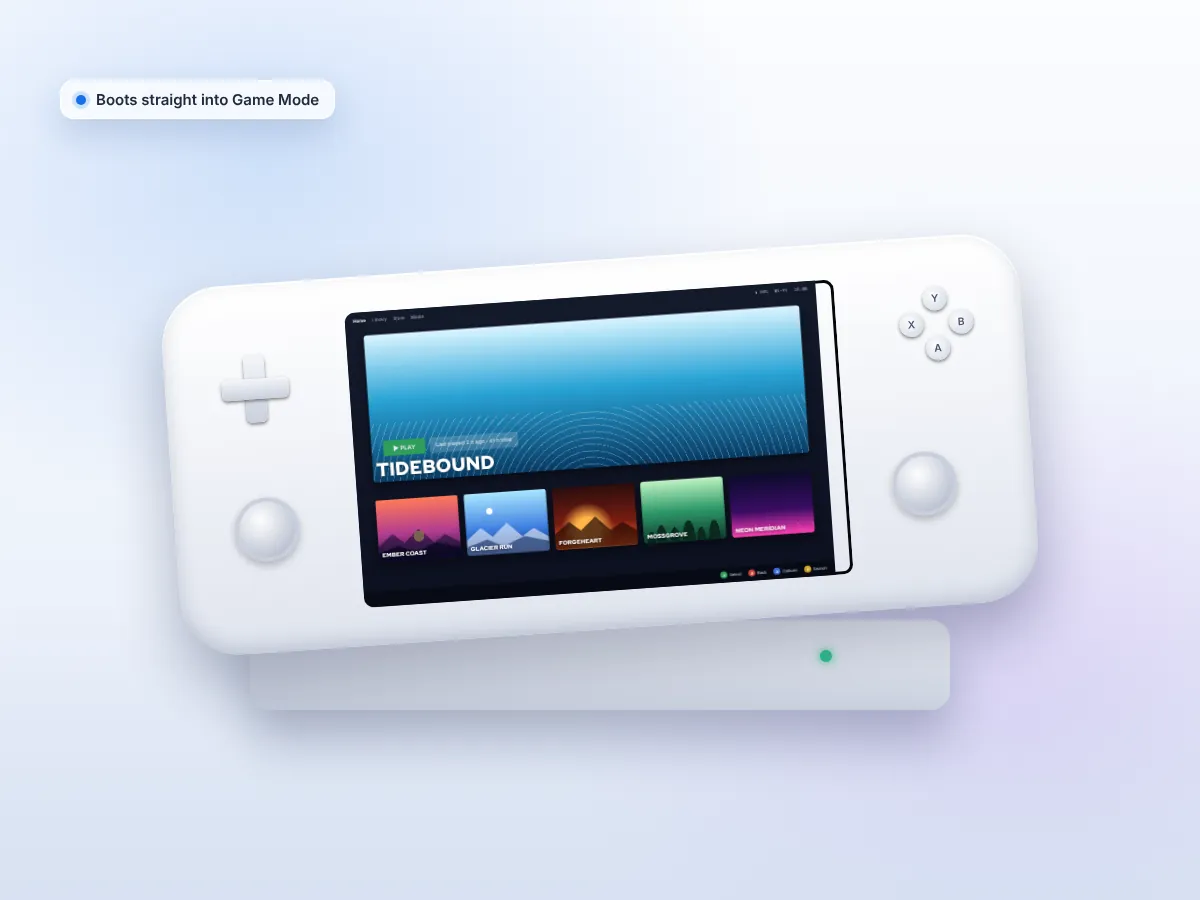
The deck image starts in Steam Game Mode and adds the pieces handhelds need: controller mapping through InputPlumber, a quick-access menu, TDP and fan controls, and Decky Loader as an option. Steam Deck is the primary target; other handhelds gain support model by model.
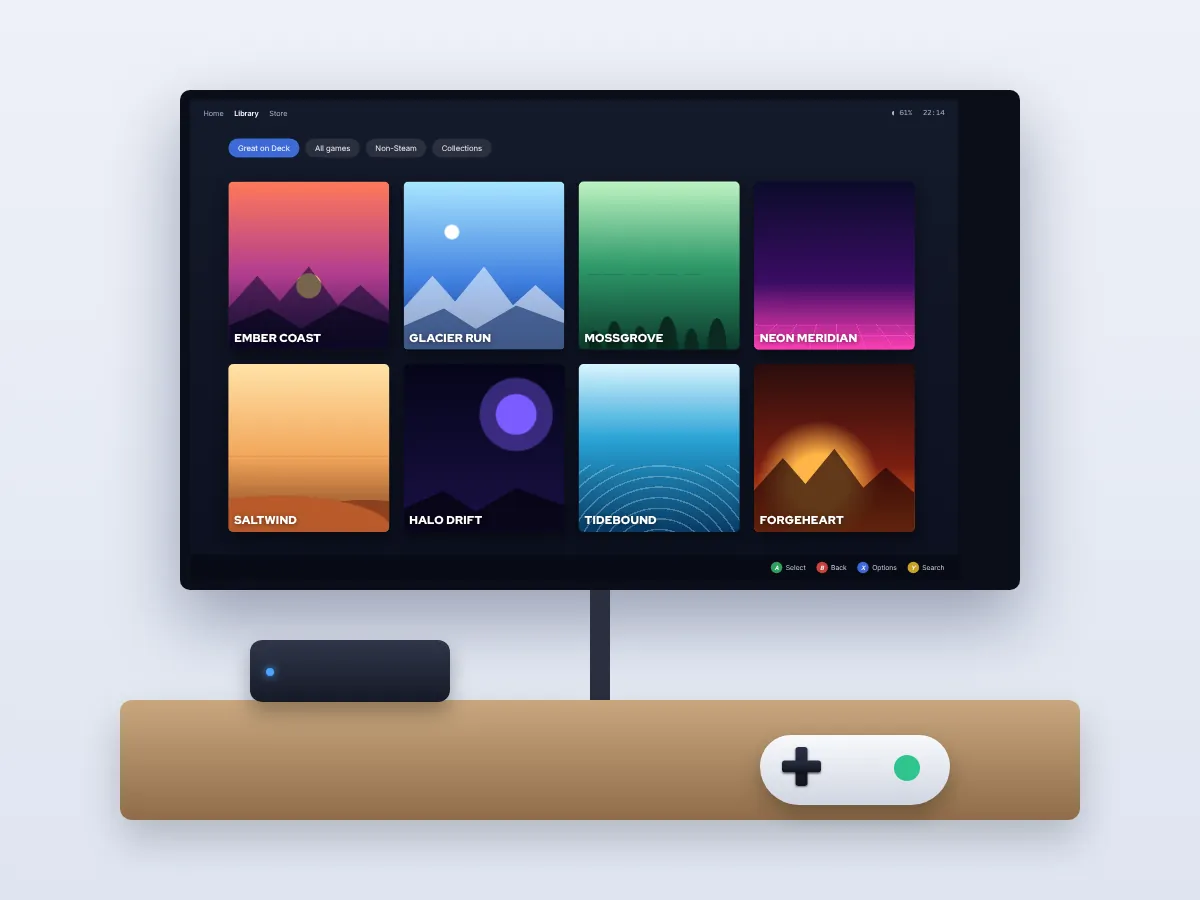
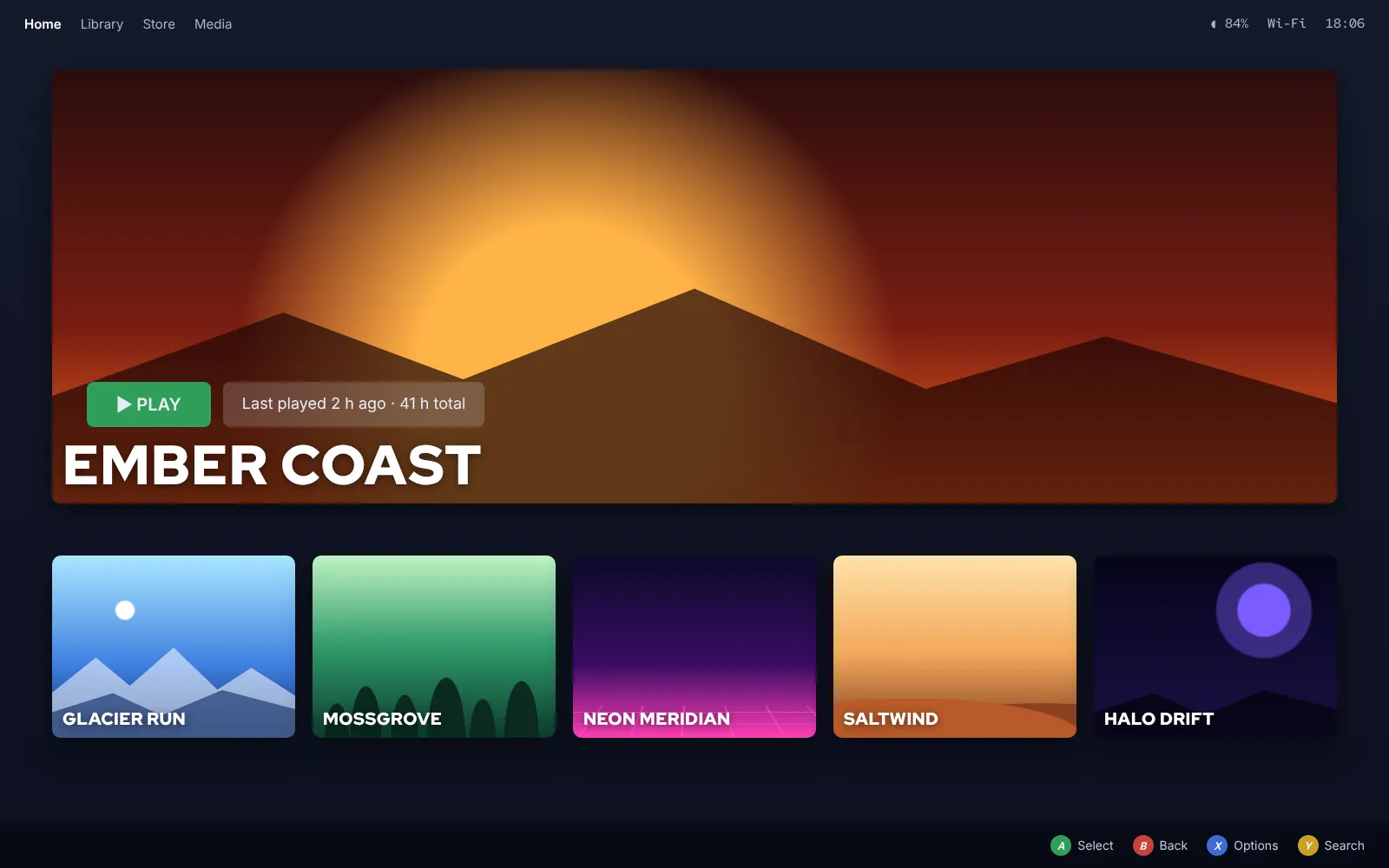
Install the deck image on a compact PC under the TV and it powers on straight into a controller-driven library, much like a console. Media apps run from Flatpak, and the desktop is still there when you need a keyboard for setup or file management.
No Linux distribution supports every machine equally. Very new hardware may need a newer kernel, some laptop features have no Linux driver, and older NVIDIA cards have fewer options. Check the official documentation for your model before installing.
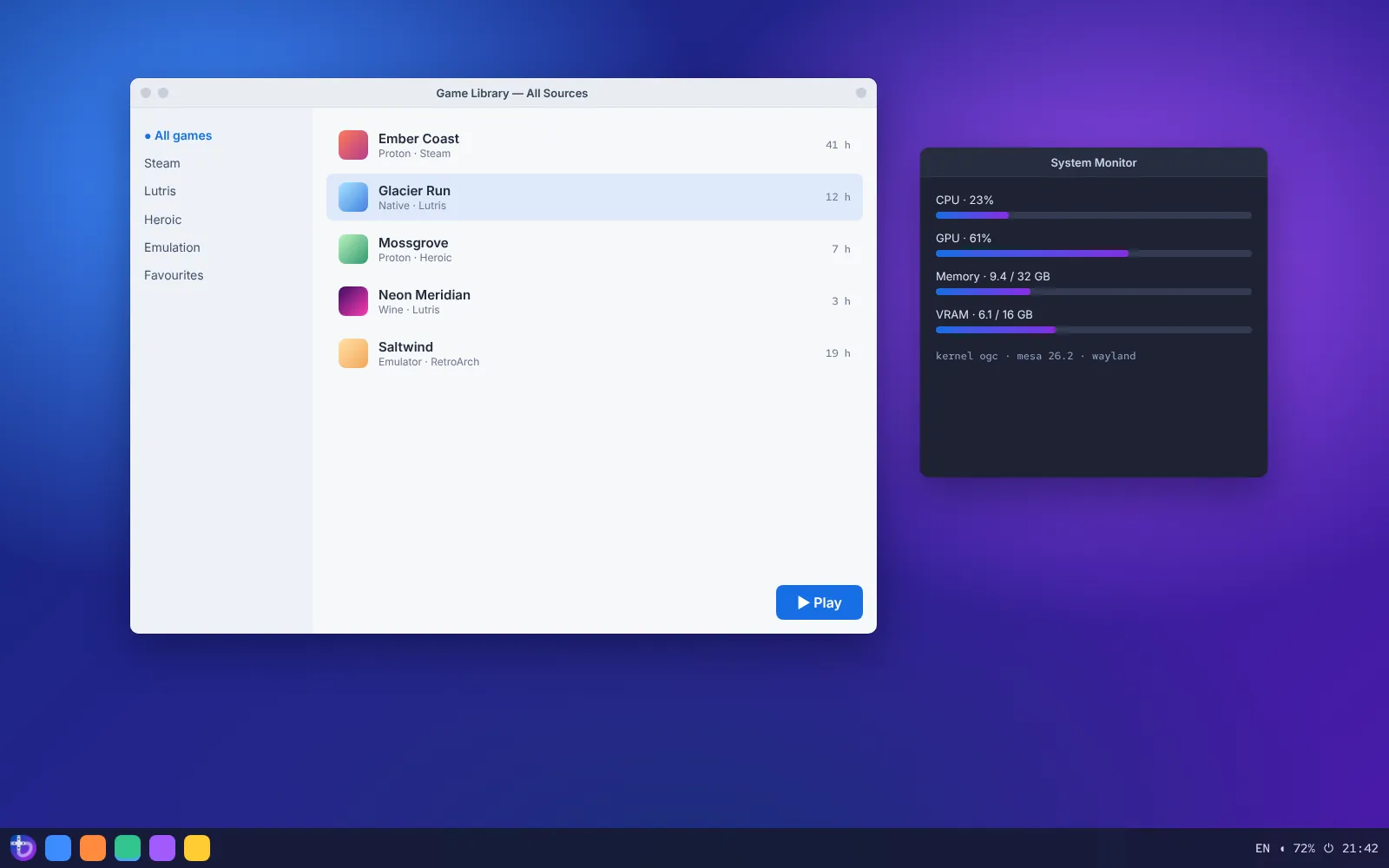
Bazzite brings several game sources into one machine: Steam for most libraries, Lutris and other launchers for everything else, and a set of utilities that would otherwise take an afternoon to install and configure by hand.
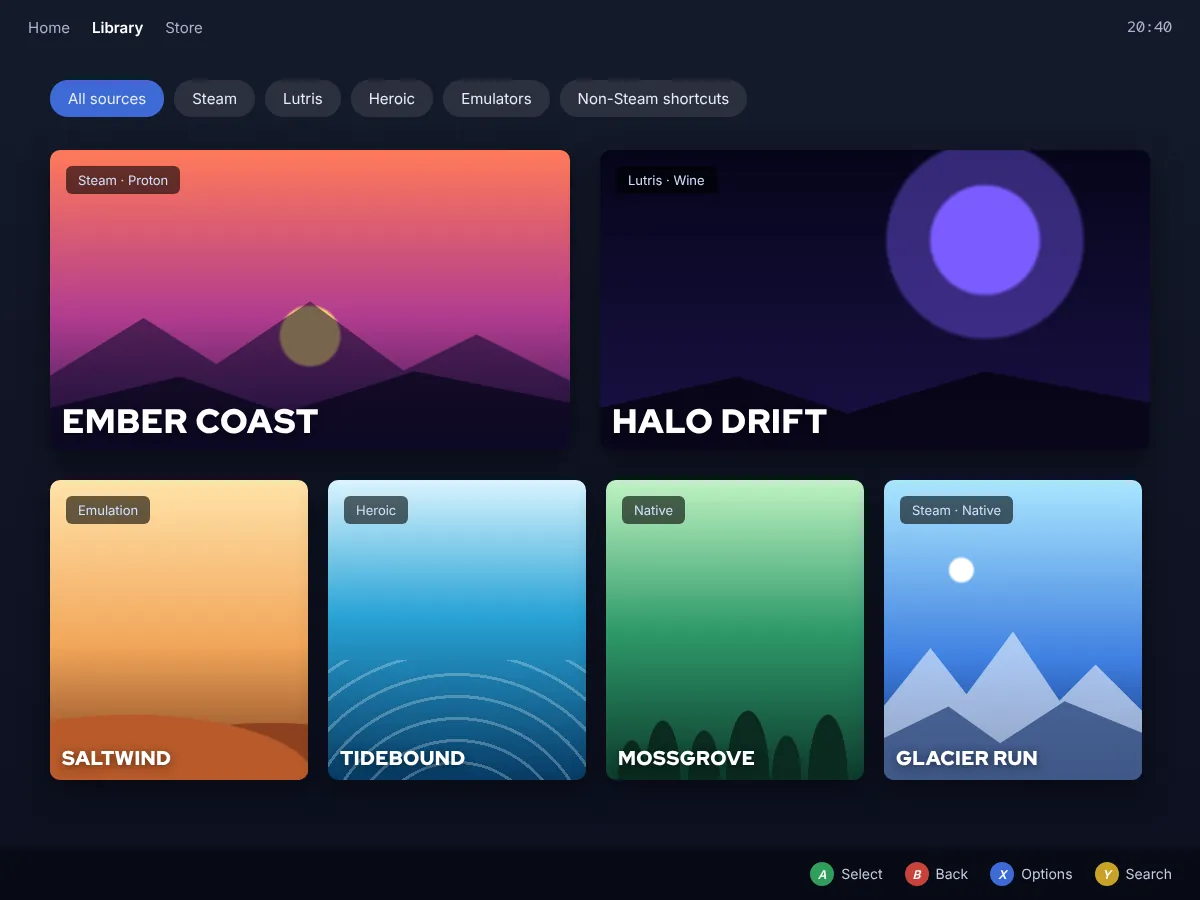 ILLUSTRATIVE LIBRARY
Preinstalled, with Proton for Windows titles and Steam Input for almost any controller. Deck images boot directly into its Game Mode.

Manages games from GOG, itch.io, emulators and standalone installers, each with its own Wine or Proton runner.

Heroic for Epic and GOG, plus other Flatpak launchers. Titles can be added to Steam as shortcuts for Game Mode.

MangoHud, vkBasalt, OBS VkCapture and Input Remapper ship ready to use, with Decky Loader available on deck images.
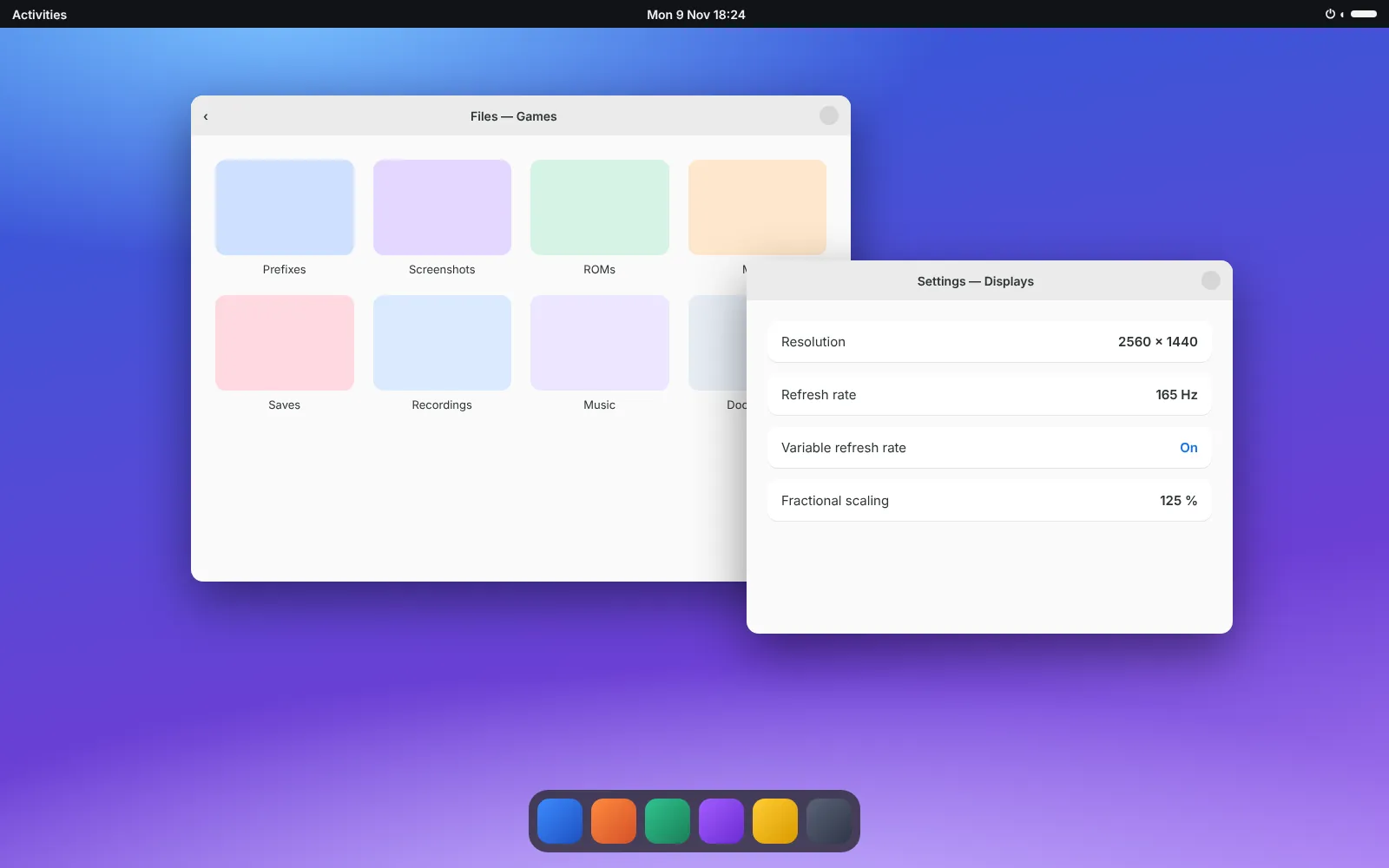
Enabled at the system level where your display, GPU, driver and desktop all support them. Results vary by panel and game.
A straight answer on compatibility: Proton and Wine run a large share of the Windows catalogue, but not all of it. Games that require kernel-level anti-cheat, certain DRM systems or launcher features that only exist on Windows may not start or may be blocked from online play. Look up each title’s community reports before buying a game specifically for Bazzite.
Each Bazzite image is built around one desktop, and you can rebase to another later without reinstalling. Game Mode sits alongside either desktop on the images that include it.
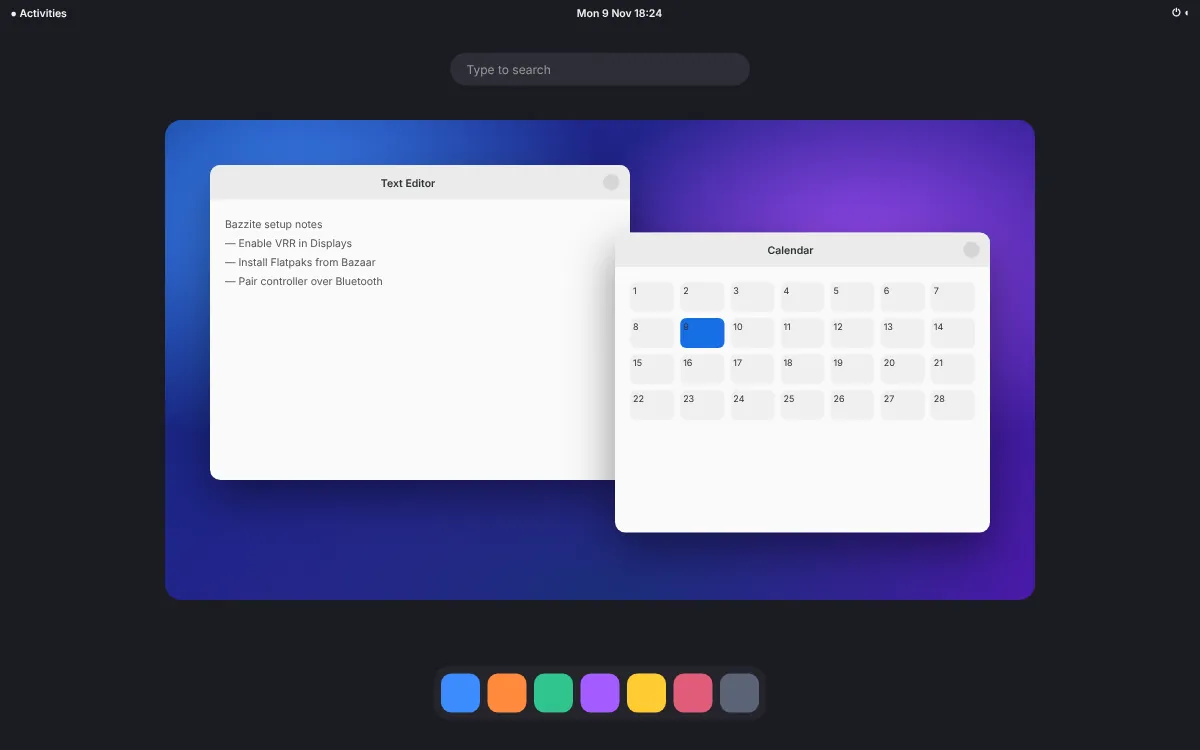
A focused desktop that keeps the screen clear. Open apps from the Activities overview, search with one key, and move between workspaces with three-finger gestures.
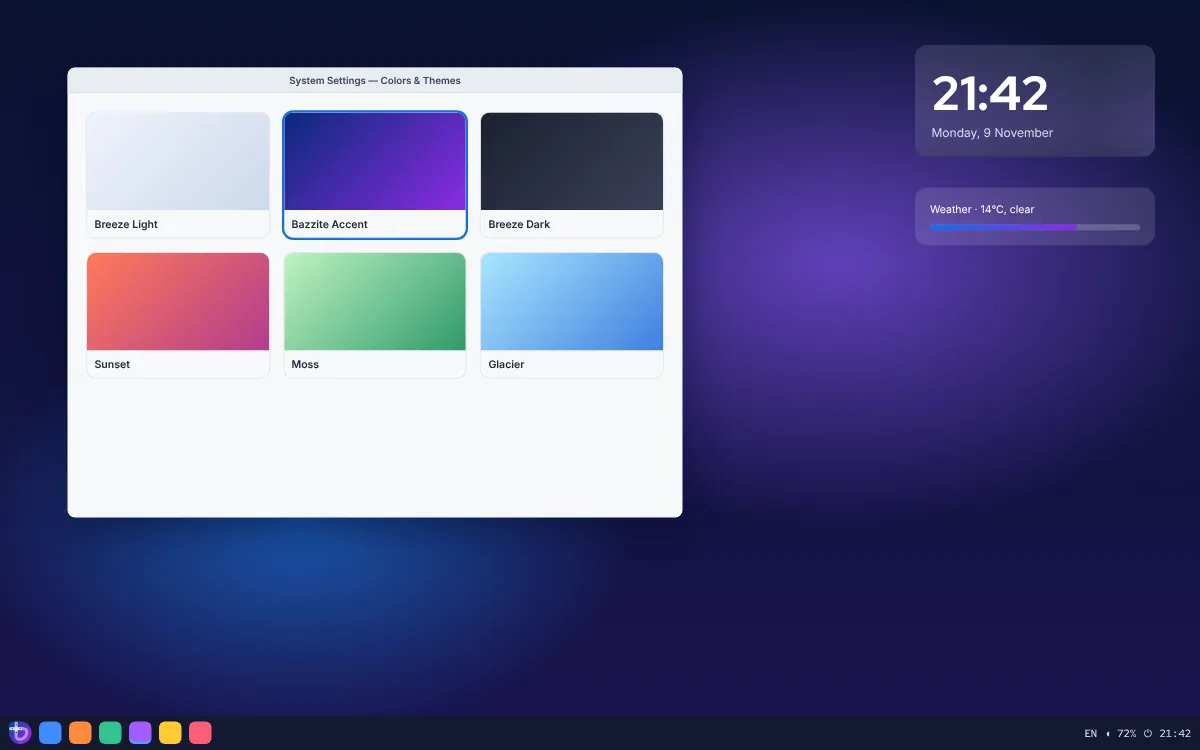
A familiar taskbar layout with almost everything adjustable: panels, widgets, themes, shortcuts and window rules. The natural choice if you are arriving from Windows.
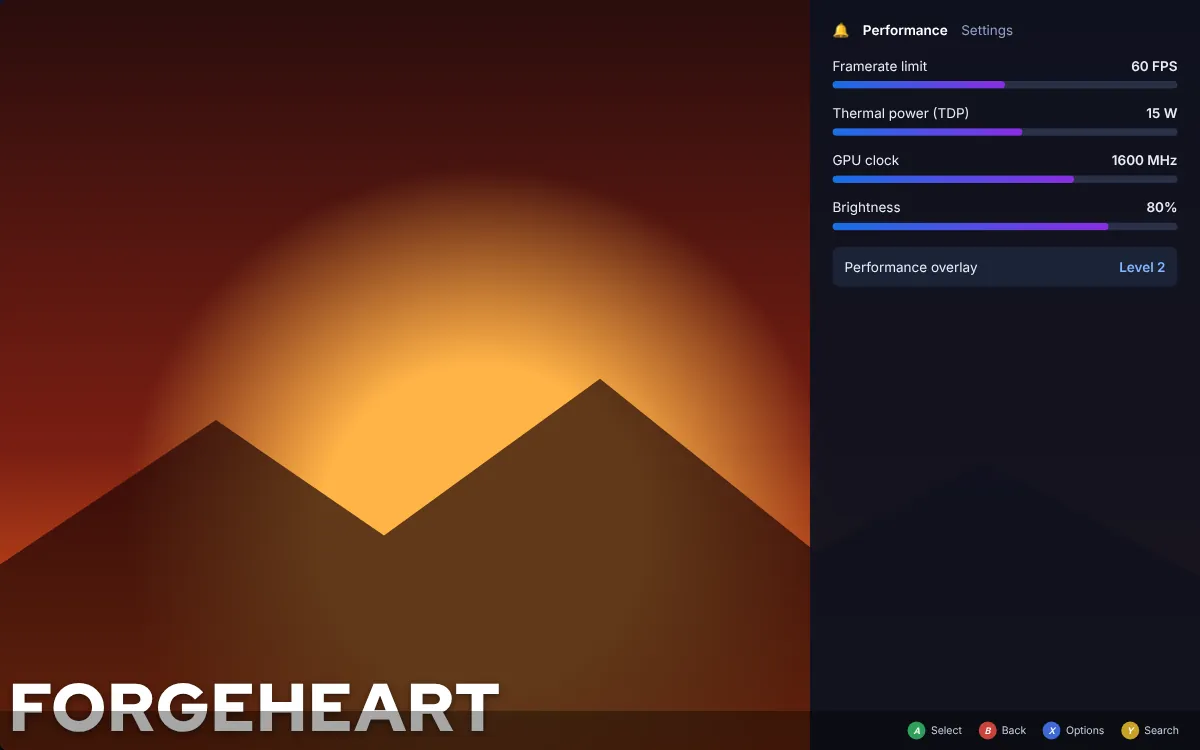
Steam’s full-screen, controller-first interface running on gamescope. Handhelds and HTPCs boot straight into it, with per-game frame limits and power settings in the side menu.
Bazzite treats the operating system as a single tested unit. That changes how updates, recovery and software installation behave, and it is the main reason people move from a traditional distribution.
A simplified model of how image deployments behave. Version numbers are examples.

The new system is prepared in the background and switched in at boot, all at once. A power cut mid-update leaves your current system intact.
The previous image stays in the boot menu, and Universal Blue keeps builds from recent months available to roll back or pin.

A read-only core, SELinux from Fedora, signed images, Secure Boot support and sandboxed apps reduce risk. They do not make any system invulnerable.

Gaming kernel, current Mesa, controller drivers and NVIDIA builds are tested together, so a driver update arrives as part of the image.

Apps come from Flatpak, command-line tools from Homebrew, and anything that needs a conventional package manager runs inside a Distrobox container. Layering packages onto the image with rpm-ostree remains possible for the rare case nothing else fits.
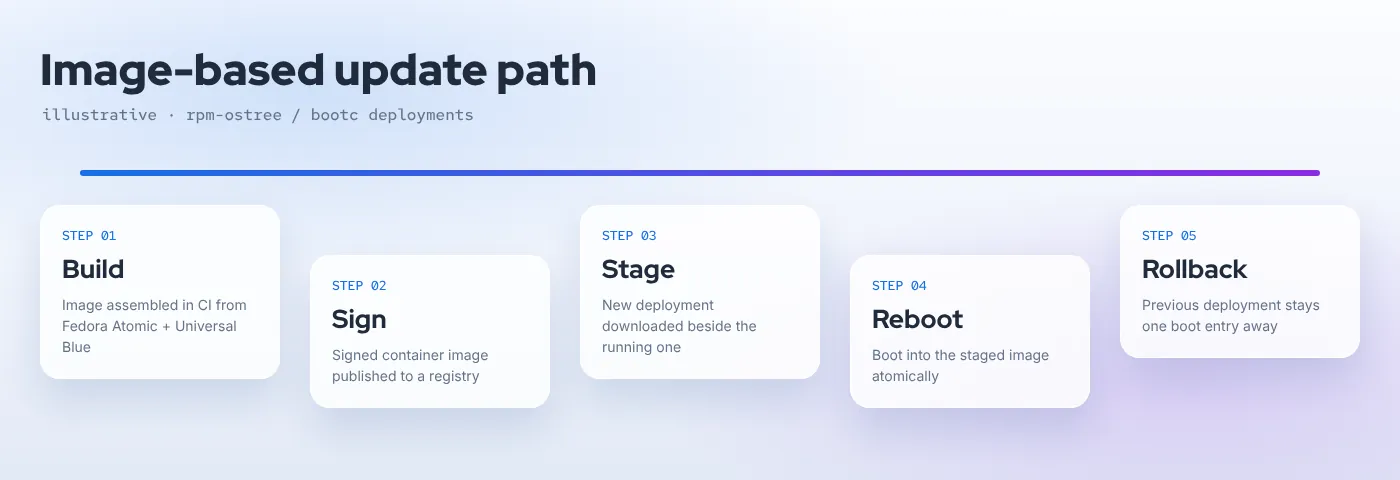
Because the base image is read-only, Bazzite steers each kind of software to the place it is best kept. The result is a system you can fill with apps for years without the slow drift that makes traditional installs fragile.

Desktop apps from Flathub run sandboxed with their own runtimes. Flatseal lets you review each app’s permissions.

Bazzite’s default storefront for browsing, installing and updating Flatpaks, built to be quick and readable.

Command-line tools install to your home folder with brew, outside the image and independent of system updates.
Distrobox creates Ubuntu, Arch or Fedora containers that share your home folder and display, so apt, pacman or AUR packages work without touching the host. Podman is preinstalled for regular containers.

Office suites, browsers, creative tools and chat apps install in a click from Bazaar, while Bazzite Portal handles setup tasks such as Waydroid for Android apps or web apps for streaming services.
Answer four questions and we will point you to the image family that fits. The download itself always comes from the official Bazzite picker, which lists the current ISOs and any model-specific notes.

Bazzite turns a PC you already own into a console-grade game machine that is still a complete desktop. Choose the image that matches your hardware, keep the previous build as a safety net, and spend your evening playing instead of troubleshooting.
Short, accurate answers about Bazzite, drawn from the project’s documentation and release notes.
Bazzite is a free Linux operating system built for playing games on PC hardware while still working as a normal desktop. It ships Steam, a console-style Game Mode, gaming drivers and handheld controls out of the box, and it is delivered as a complete, pre-tested system image rather than a pile of individual packages.
Bazzite is built on Fedora Atomic Desktops through the Universal Blue project. Fedora supplies the packages and the image-based rpm-ostree / bootc technology; Universal Blue adds codecs and shared tooling; Bazzite layers its gaming kernel, Steam integration and handheld support on top. The current release line, Bazzite 45, follows Fedora 45.
Bazzite costs nothing to download or use, and its build recipes are published on GitHub under the Apache-2.0 licence. Some components it can install, such as the Steam client or proprietary NVIDIA drivers, carry their own licences from their vendors.
Many of them, through Proton in Steam and Wine-based runners in Lutris or similar launchers. It is not universal: titles with kernel-level anti-cheat or unsupported DRM may refuse to start. Check a game’s community reports before you rely on it, especially for multiplayer.
Desktop PCs, gaming laptops, home-theatre PCs and many PC handhelds. Support is decided per device, GPU and image: AMD and Intel graphics use the standard images, recent NVIDIA cards use the NVIDIA images, and specific handhelds have their own notes in the official documentation.
Yes. Steam Deck is the primary target, and the deck image also covers devices such as the ROG Ally family, Legion Go models and other supported handhelds, with button mapping, a quick-access menu and power controls. Newer models can arrive in stages, so confirm yours first.
KDE Plasma is the default: a taskbar-style desktop with deep customisation and many settings. GNOME is calmer and more opinionated, built around an Activities overview, keyboard search and touchpad gestures. Both run the same games; the choice is about how you like to work.
Updates arrive as a whole new system image that is downloaded next to the one you are running and applied on the next reboot. If something misbehaves, the previous image is still available to boot or roll back to, so a bad update does not leave you with a half-upgraded system.